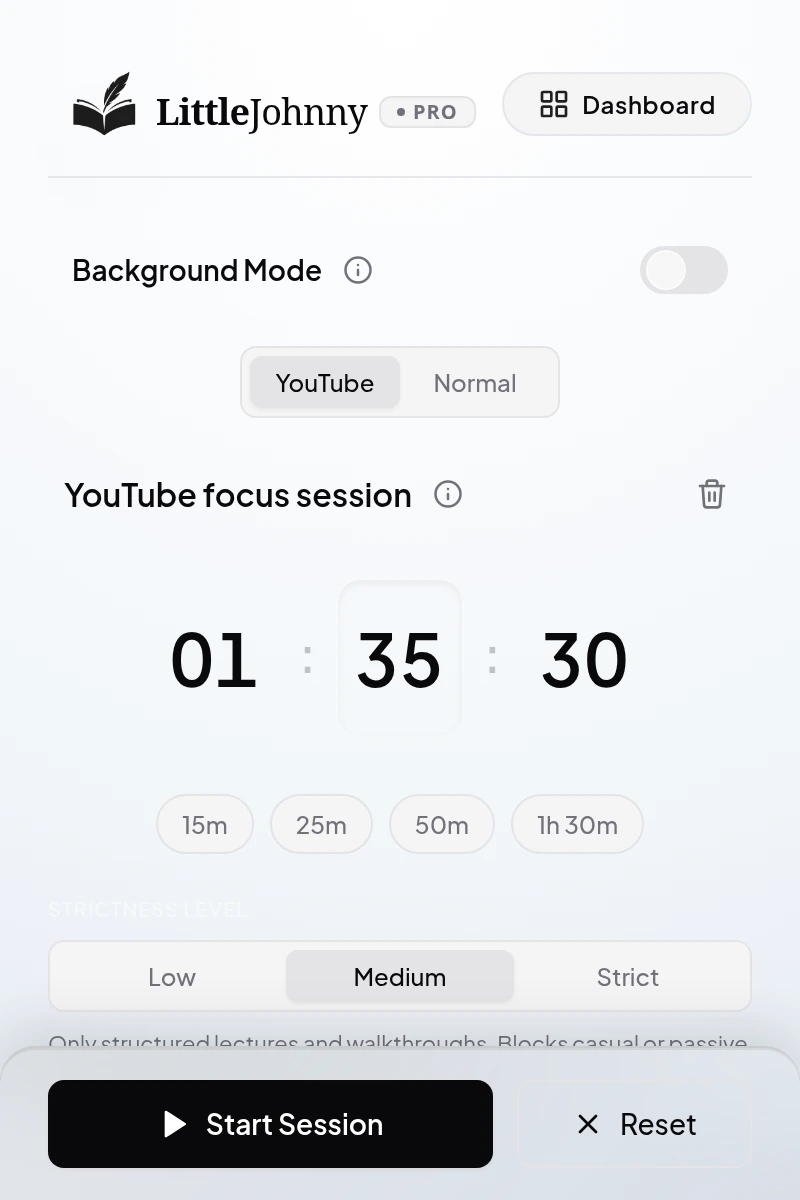
Low
Broader educational content, including tutorials, talks, and documentaries.
Tasks, focused sessions, website blocking, and intelligent YouTube classification—connected to a dashboard that shows your progress.
Actual LittleJohnny interface. Example account and session data.
A whole workspace around your focus. Explore the three levels of classification, then see how your sessions and progress fit together.
Low and Medium classify by content. Strict adds your subject and topic.
Broader educational content, including tutorials, talks, and documentaries.
Structured lessons, walkthroughs, and problem-solving, with a higher bar for teaching content.
Videos checked against the subject and topic you choose for your session.
From the session in front of you to the week behind you. LittleJohnny brings the pieces together.
Your sessions, tasks, and focus time. A clear view of the work you’ve put in.
Choose which websites to block before you begin. Your active session holds those rules in place.
Normal Focus blocks whole sites. YouTube Focus classifies individual videos.See where your focus went and the detours LittleJohnny helped stop.
Detailed Session Review: Pro + Max. One-time preview on Free.Set a weekly focus target. See your progress take shape, one session at a time.
Keep YouTube useful when you’re outside a focus session. Background Mode checks videos for educational content and keeps Shorts out of the way.
Included with Pro and Max.
Open your workspace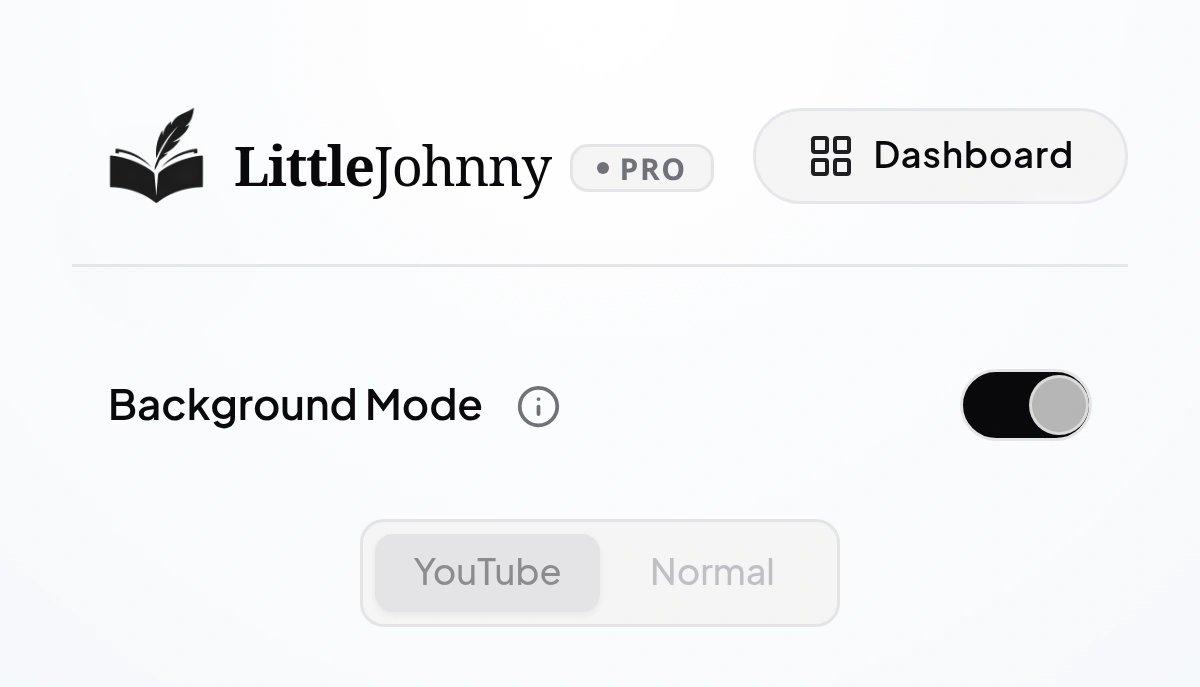
Available for Chrome, Brave, Edge, Opera, Vivaldi, and Firefox.
Chrome Web Store extensions need a desktop browser. Firefox also supports Android.
Keep useful videos within reach. Check how each tool helps you handle the distractions around them.
| What matters to you |
 LittleJohnnyPlan · protect · review LittleJohnnyPlan · protect · review
|
FreedomSite & app blocking | UnhookYouTube cleanup |
|---|---|---|---|
| Individual video checksKeep YouTube useful. | Intelligent classification at Low, Medium, and Strict levels; Strict adds study-goal matching. | YouTube website or app blocking. | Hide chosen YouTube interface elements. |
| Website protection | Website rules during browser focus sessions. | Website and native-app blocking across supported devices. | YouTube interface controls. |
| See how a session went | Focus time, tasks, weekly progress, and detailed Session Review.* | Session history, time summaries, and accomplishment notes. | Session review isn’t described in the reviewed listing. |
| Scheduling & commitment | Start a browser focus session when you’re ready. | Advance and recurring schedules, plus Locked Mode on Premium. | Choose which interface elements to hide. |
| YouTube distractions | Video-level classification and Shorts protection. Paid Background Mode between sessions.* | Block access to YouTube as a website or app. | Detailed feed, sidebar, comments, Shorts, and autoplay controls. |
* Detailed Session Review and Background Mode are paid features; Free includes a one-time Review preview. Features vary by plan and platform.
Based on published product documentation reviewed 27 October 2026. This compares the approaches described by each product, rather than claiming a feature cannot exist elsewhere.
A chapter. A project. A skill you’ve wanted to learn. You choose the work. Make a little space to do it.
Give your next study session a clear beginning and end.
StudyProtect the time you set aside for the task in front of you.
WorkStay with the videos that support what you came to do.
LearnStart with a free account. Go further when you’re ready.
$0 / forever
A little space to start building your focus routine.
Get started freeNo card needed. Free account required.
$3 / month
Your complete focus toolkit, with room to keep going.
Choose monthlyBilled monthly. Cancel anytime.
Pro monthly and Max yearly include the same paid features. Choose what fits your routine.
A question about plans?Prices in USD. Your Free YouTube allowance refills 24 hours after focus begins. Only running focus time counts; ending early releases unused time.
Everything you need to know before making a little room for focus.
Ask us somethingNo. Normal Focus combines timed tasks with your website blocklist, and your dashboard brings your session history and progress together. YouTube Focus adds video-by-video classification so useful videos stay available.
Create a free account and install the browser companion. Start sessions from the extension and open your dashboard to manage your rules and review your progress.
The browser companion supports Chrome, Firefox, Brave, Microsoft Edge, and other compatible Chromium-based browsers. The website provides your account and dashboard.
Normal Focus and website blocking are unlimited. You also get 60 minutes of YouTube Focus, split across sessions, refilling 24 hours after focus begins. Detailed Session Review has a one-time 72-hour preview that begins when your first eligible session produces review evidence.
Video-by-video classification currently works on YouTube. Other distracting websites can be blocked through your custom blocklist.
Your account and session records support the dashboard. Some video checks may use limited metadata and focus context for cloud analysis. Detailed Session Review can record foreground domains during eligible focus sessions. See our privacy policy for the full scope and retention details.
Yes. Use Abandon session in the extension to enter the deliberate exit flow. It adds friction to an impulsive exit while still providing a way to end your session. Ending early releases unused Free YouTube time.
The dashboard and browser companion offer 52 interface language options, with regional formats and right-to-left layouts where appropriate. Change your interface language in Settings.
Start with one session.
See where a little focus takes you.